Building my own photography workflow
In the past few months I started crafting tools that help me get (repetitive) work done faster so I can spend more time procrastinating my photo edits. These are all freely available and somewhat easy to install yourself, so I thought I’d share a blog about them.
1. Copier
Copier is a tool that helps me copy files from SD cards directly to my Desktop, SSD or NAS. It checks if these files already exist somewhere and then gives me an overview. Gone are the days of manually checking which file I have already copied and which ones I have not.
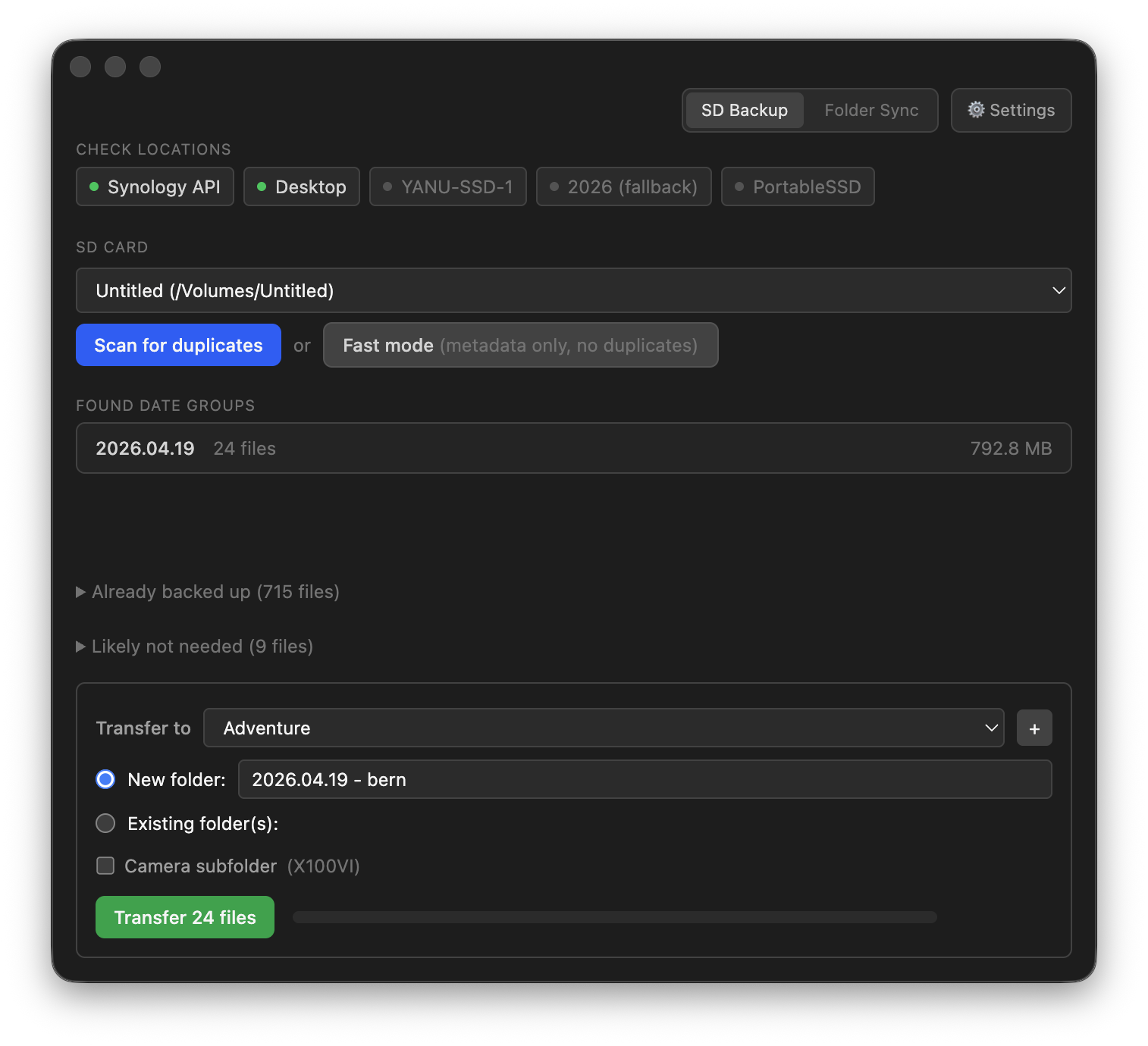
I also added a small folder sync function that lets you compare two folders and copy things to another if they differ.
brew install --cask yannickpulver/tap/copier2. RAW Viewer — cull fast
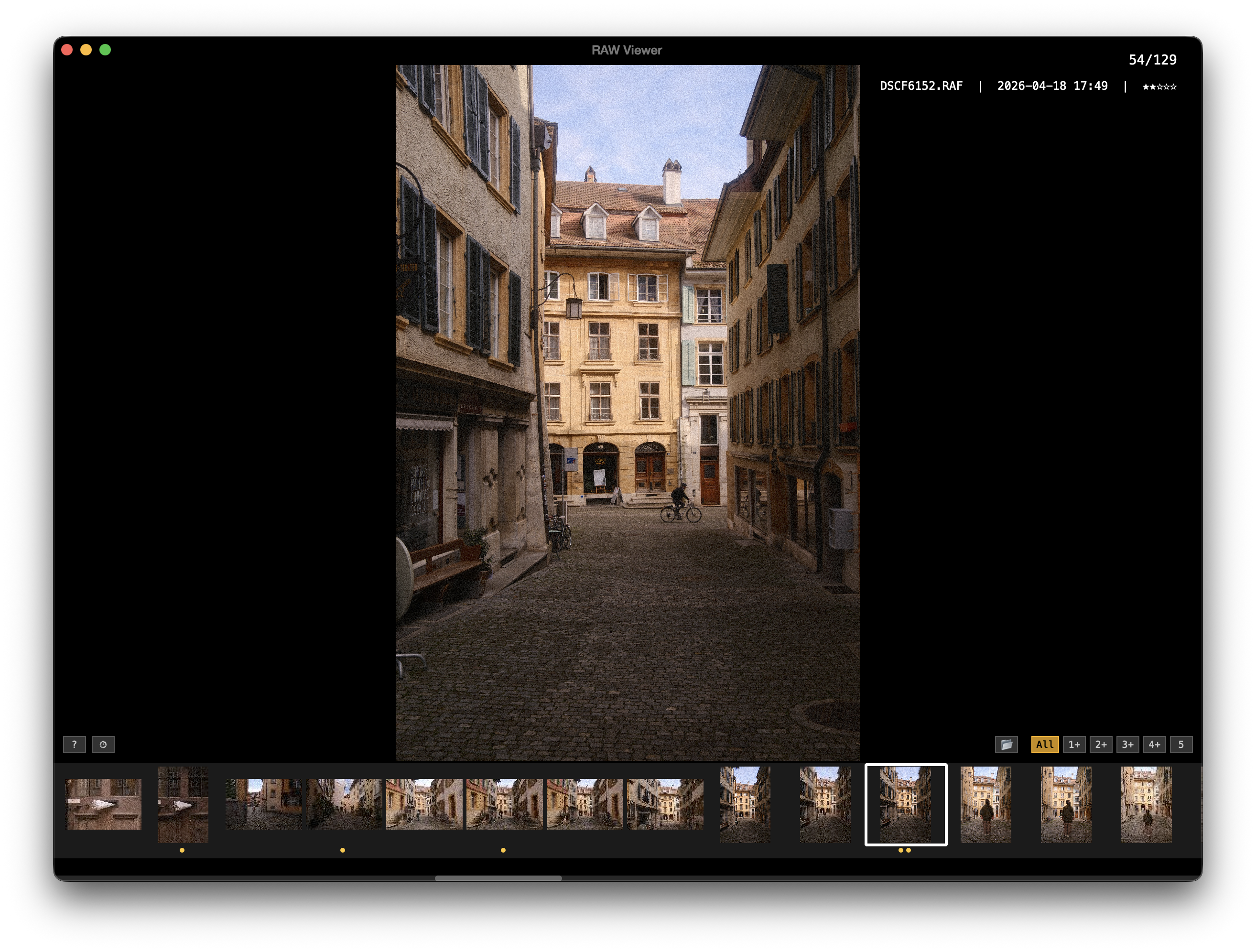
I used to use other tools for culling in the past but they are usually much more complicated than I need them to. So I built my own little raw viewer and culler. It supports raw files, jpegs and even videos (each of them in different modes). If you open up the help menu you can see what it all can do.
It helps me go through the files quickly and then import them to Lightroom from there. I built in quite a lot of handy little functions that can all be seen in the help menu.
brew install --cask yannickpulver/tap/raw-viewer3. Slides — Instagram carousels
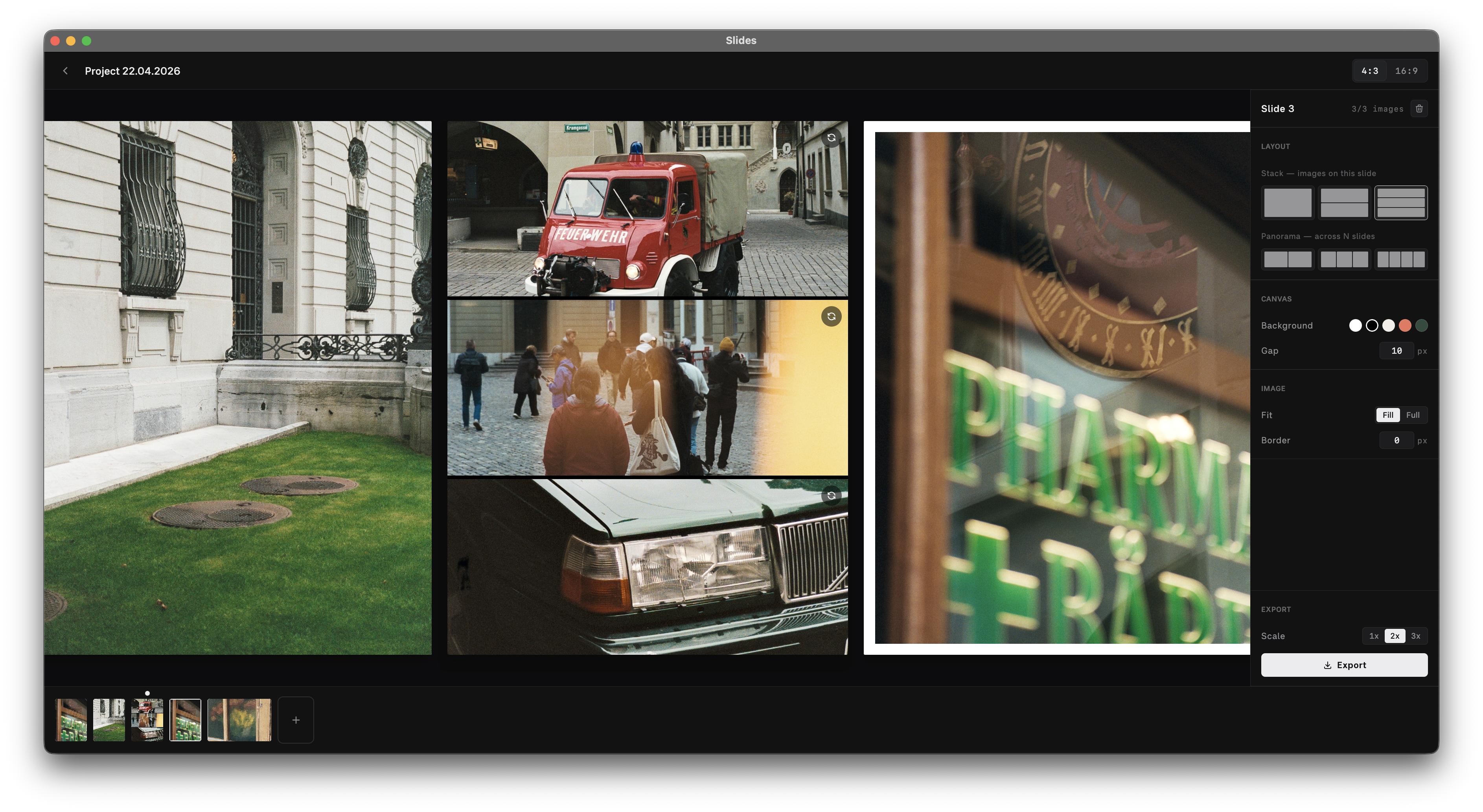
One thing that is usually quite time consuming is arranging slides. While my workflow in Figma works perfectly for photos, whenever I want to combine a photo and video on a slide it suddenly requires me to open up Davinci Resolve or else to get that. Therefore, I created a small tool that allows you to craft carousels with both photos and videos on the same slides. I’d called slides
brew install --cask yannickpulver/tap/slides4. Gridline — plan the grid before posting
Gridline is an older tool I built a while ago to preview how posts will look like on my feed. Even though it doesn’t matter that much anymore, it’s still something I like to do before I post. My favourite part about it; I can install it on my phone and mac and it syncs between.
Available on Google Play, the App Store and the Mac App Store.

5. Commento
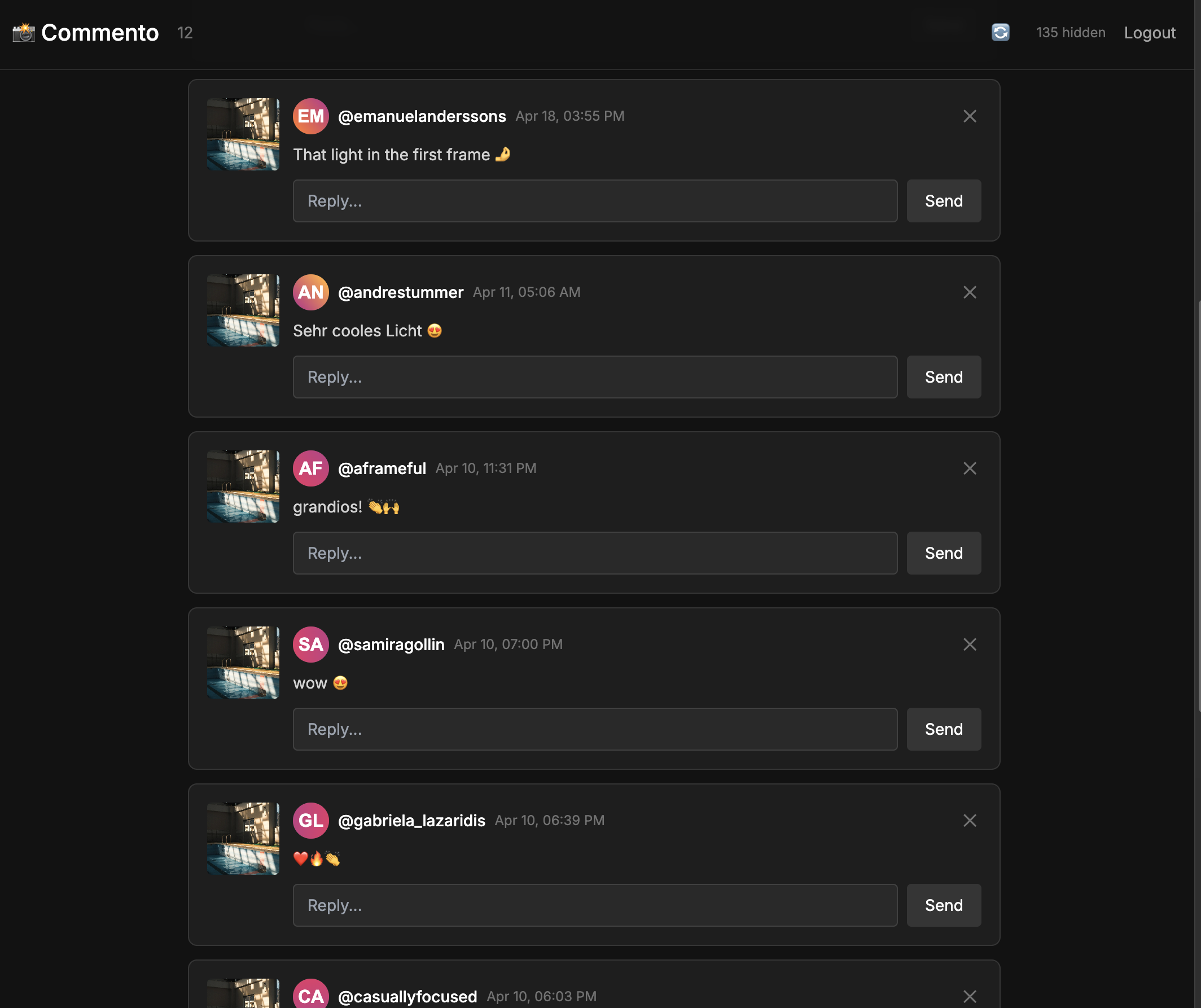
I’m notoriously bad at writing back comments I got, so I built a small tool where you can sign in with Instagram and it simply shows you the unanswered comments of your last 10 posts. When you answered them, they disappear. Helps me write back my friends much faster and I don’t get distracted by Instagram when doing that.
To use it, visit commento-five.vercel.app and sign in with your instagram. It doesn’t store any data and just uses your account for sign in. As all of the other tools it’s open source. view on github.
Summary
That’s about it for now. It feels incredibly magical to live in a world where we can easily build tools like this, use it once or a few times and then be fine not using them again. This process helped me to get these tools not only out there, but also have a system in place for other people to download them too. They are all signed, should auto-update and are all built with completely different tech stacks for different purposes.